 Crew Tools
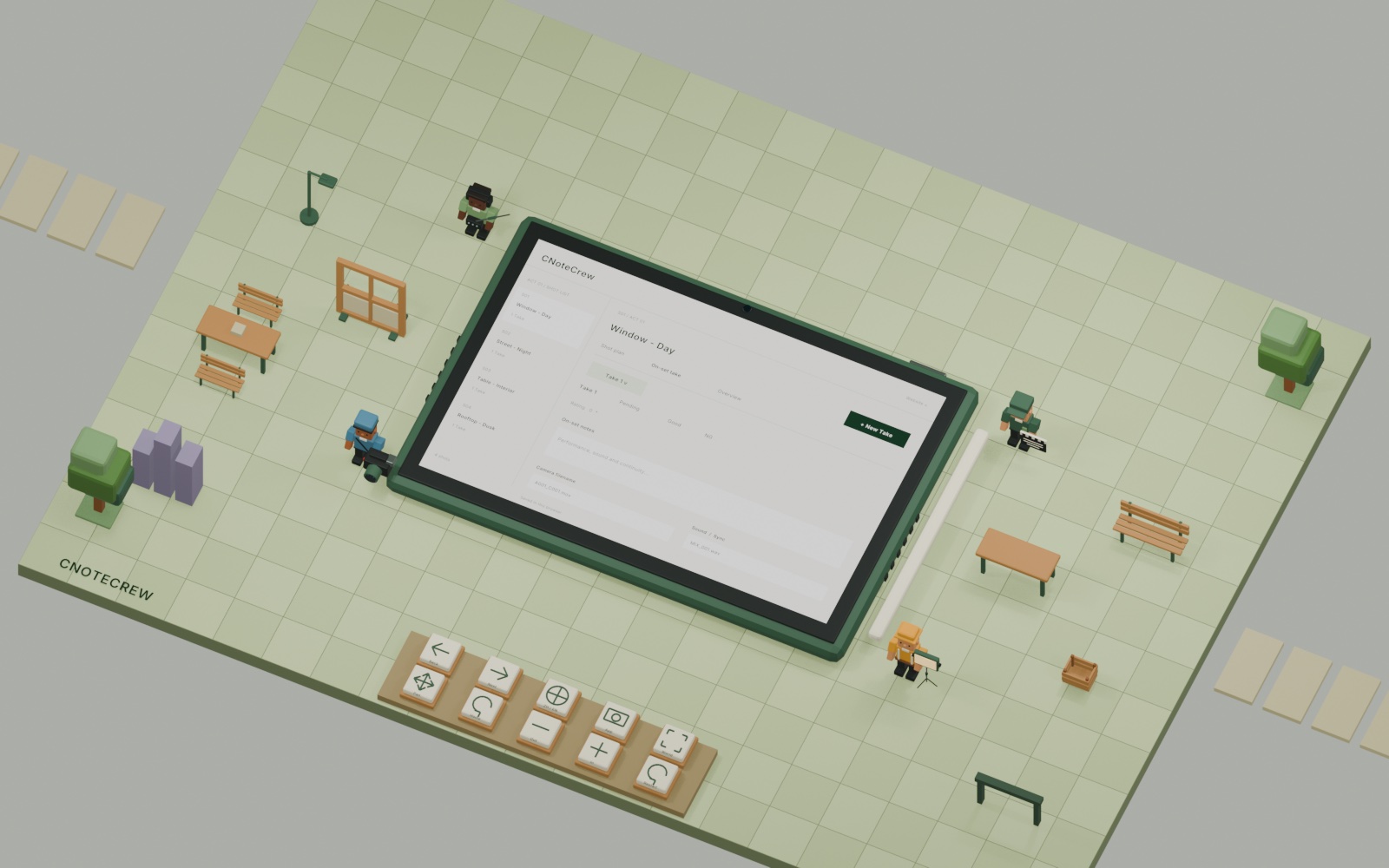
Before the shoot
See what needs shooting.
Organize shots by scene, then set shooting order, priorities, and continuous actions for the day.
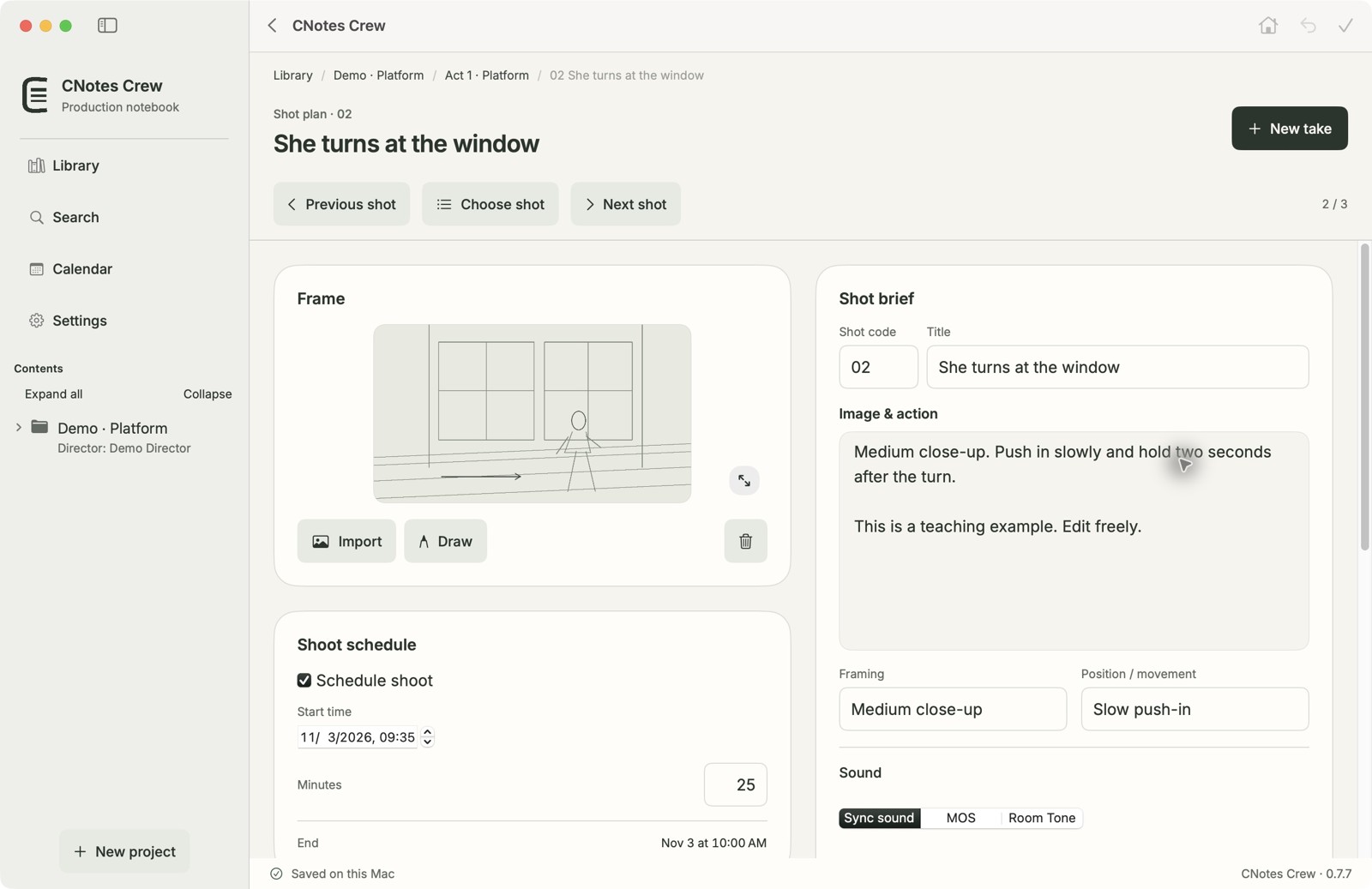
CNote / Production and set notes
Keep scripts, shooting plans, and every take in one project, ready to hand off at wrap.
CNote workflow
Follow a fictional production through CNote. Scroll or select a step to see the matching screen.
Before the shoot
Organize shots by scene, then set shooting order, priorities, and continuous actions for the day.
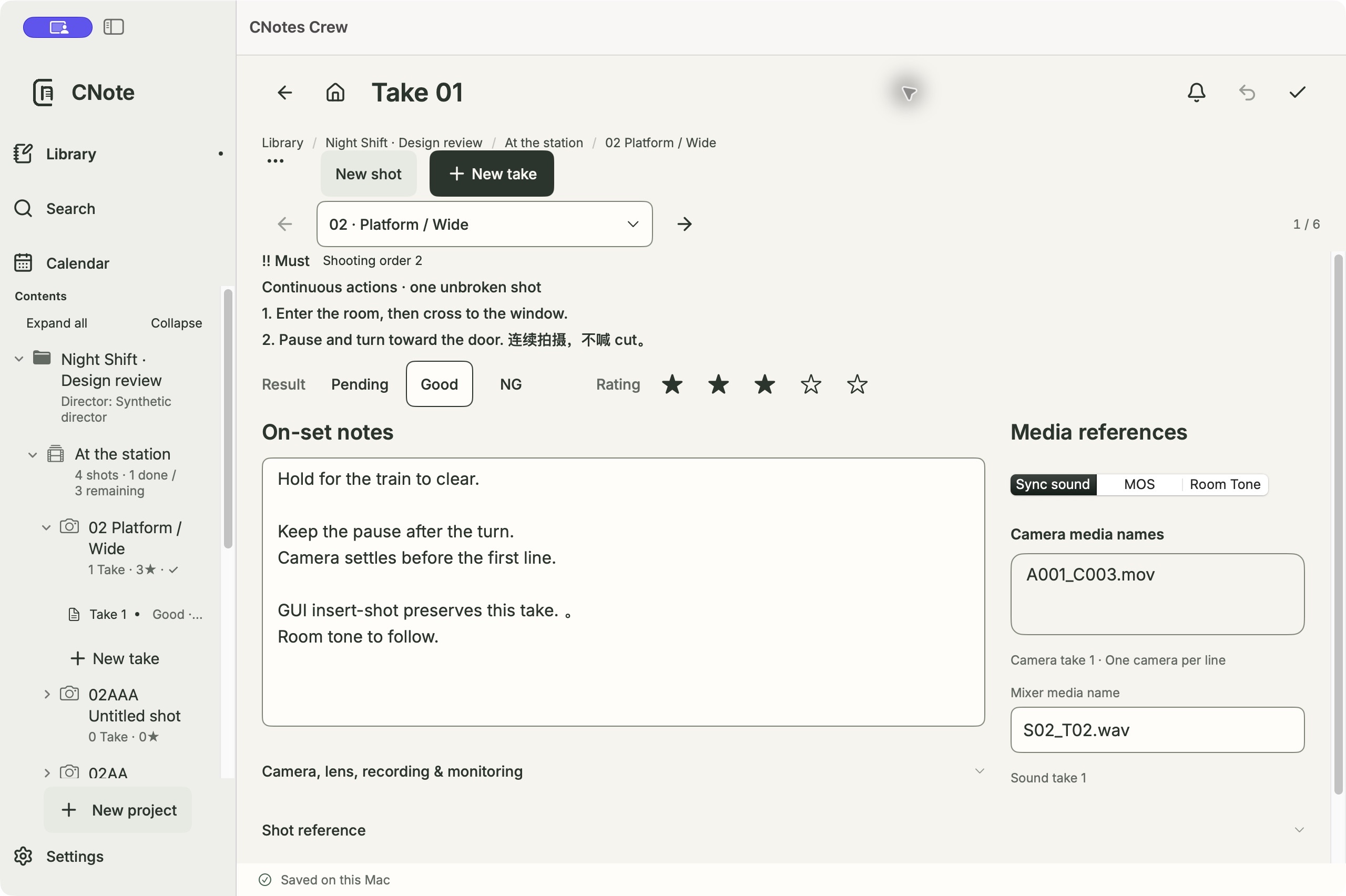
On set
Save notes, outcomes, and ratings with camera and audio filenames so the next person can find the same material.
After wrap
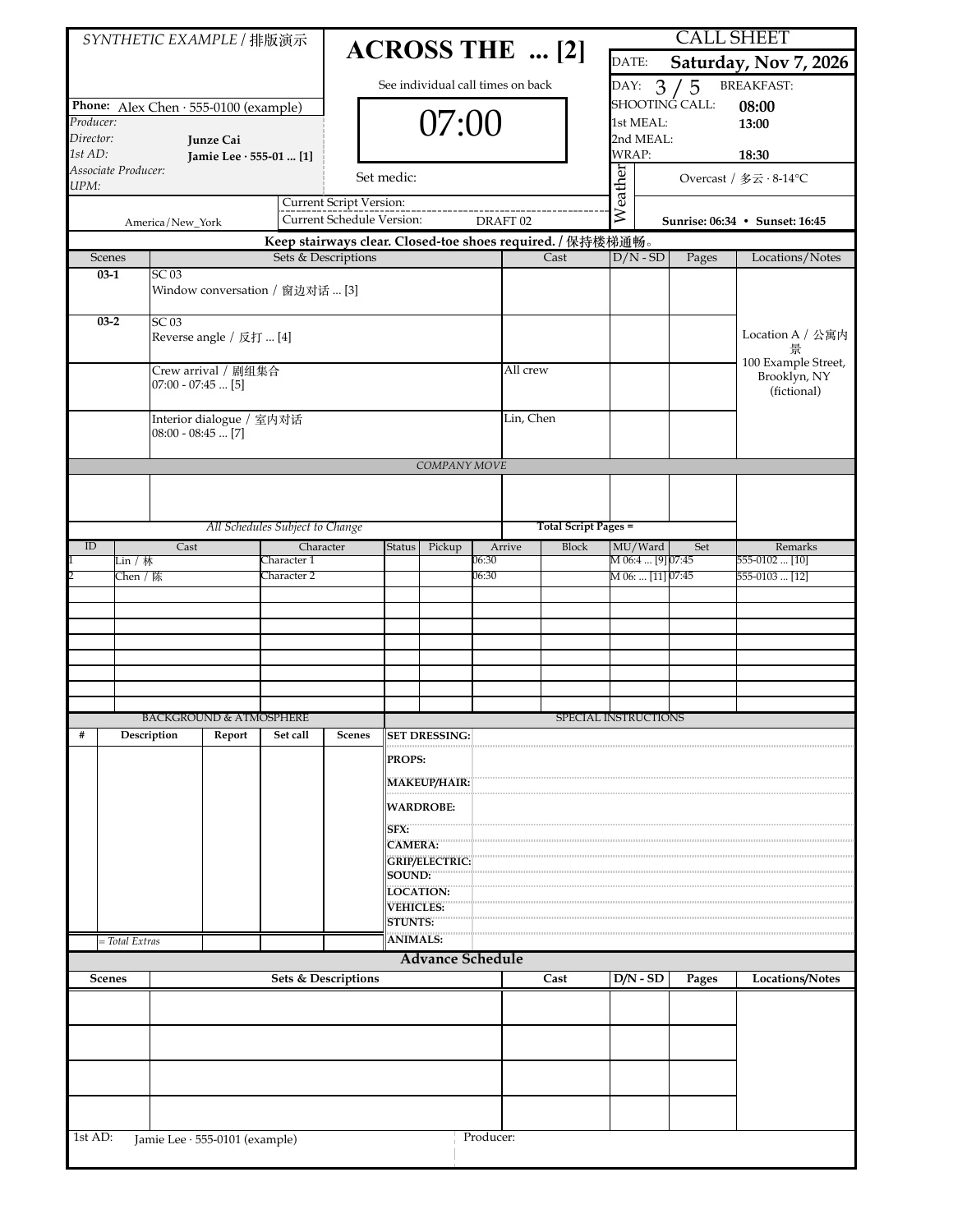
Export a shot list, a call sheet, or PDFs for the director and cinematographer. Choose the language and contents for the handover. Open the full call sheet to inspect details.
Open the full call sheet PDFScripts · Feature preview
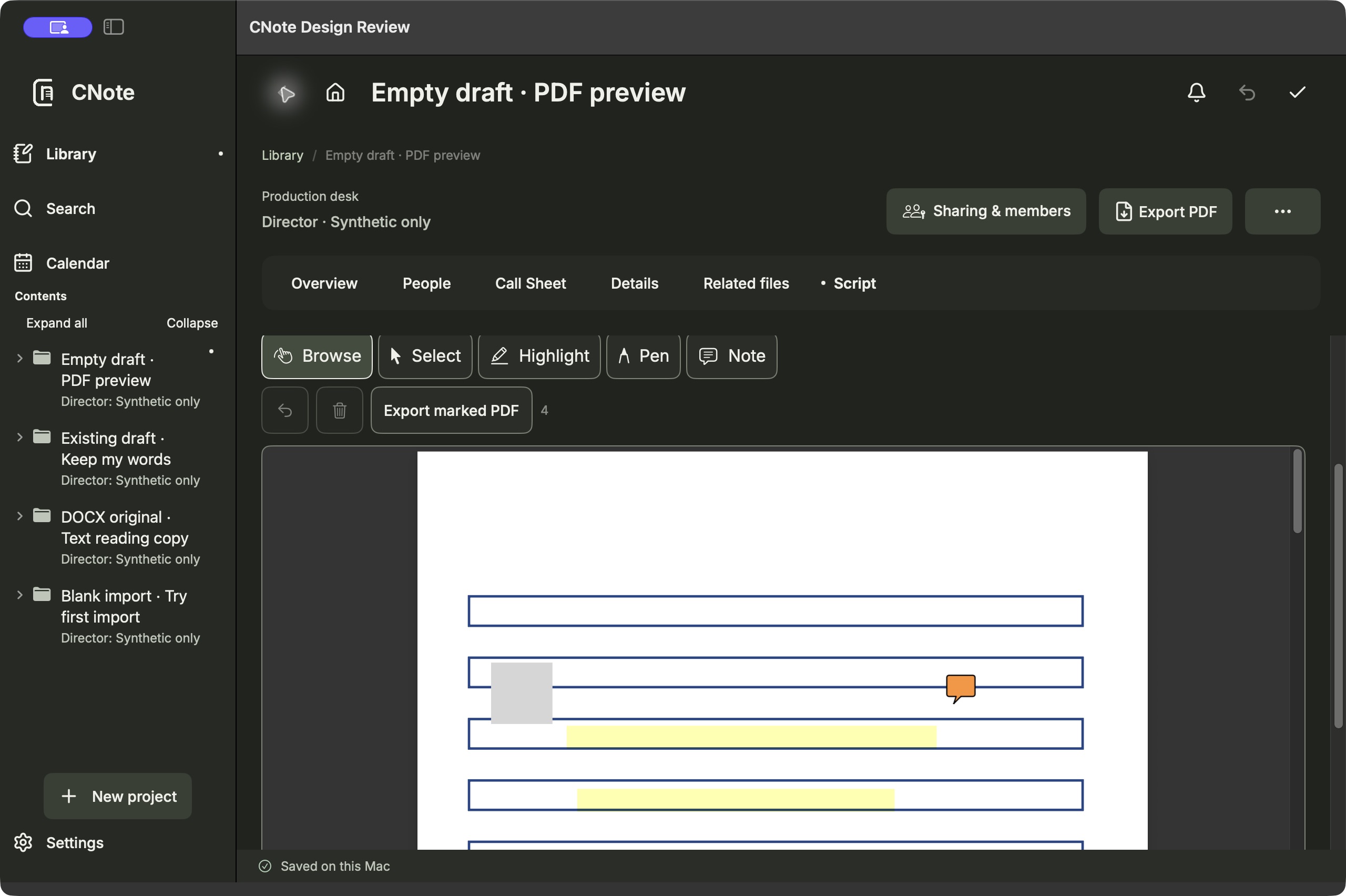
When there is no script text, CNote opens the imported original. Highlight, draw on, or annotate PDF pages, then export a marked-up copy. Preview Word originals and mark up a separate reading copy.
Mac · 0.13.0 (39)
Get the Apple silicon installer, checksum, and installation instructions from the CNote website.
Mac downloadsiPhone / iPad · 1.8.0 (45)
Existing testers can update through their TestFlight invitation. The CNote website also hosts the bilingual guide and sample project.
Read the user guide