 Crew Tools
Playback
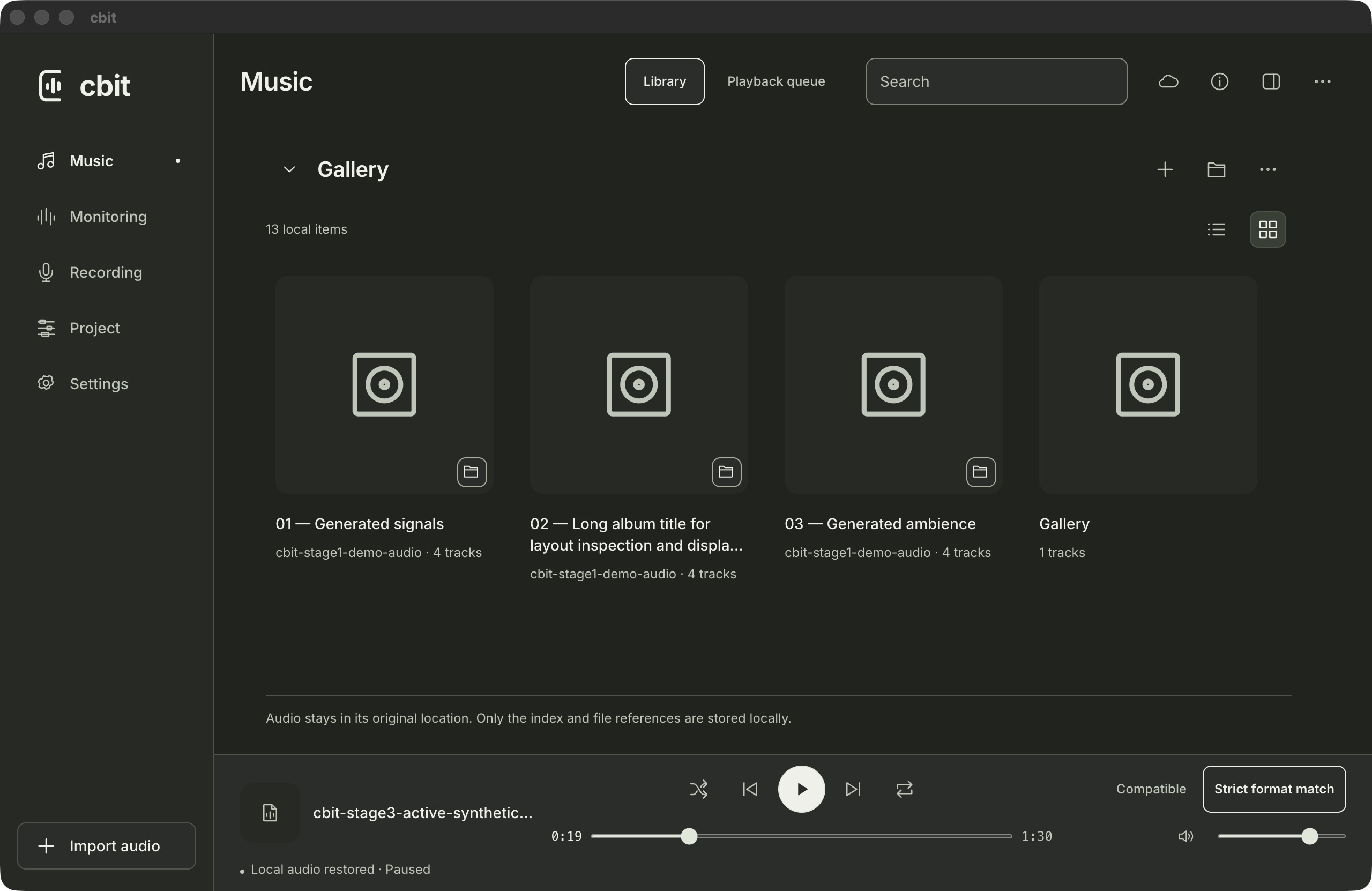
Organize local audio.
Find audio in Gallery, add it to the queue, and resume where you left off. Source files stay in their folders.
CBit / Audio workspace
Organize local audio, inspect signals in the monitoring workspace, and record in the field on supported mobile devices.
Waveform demo
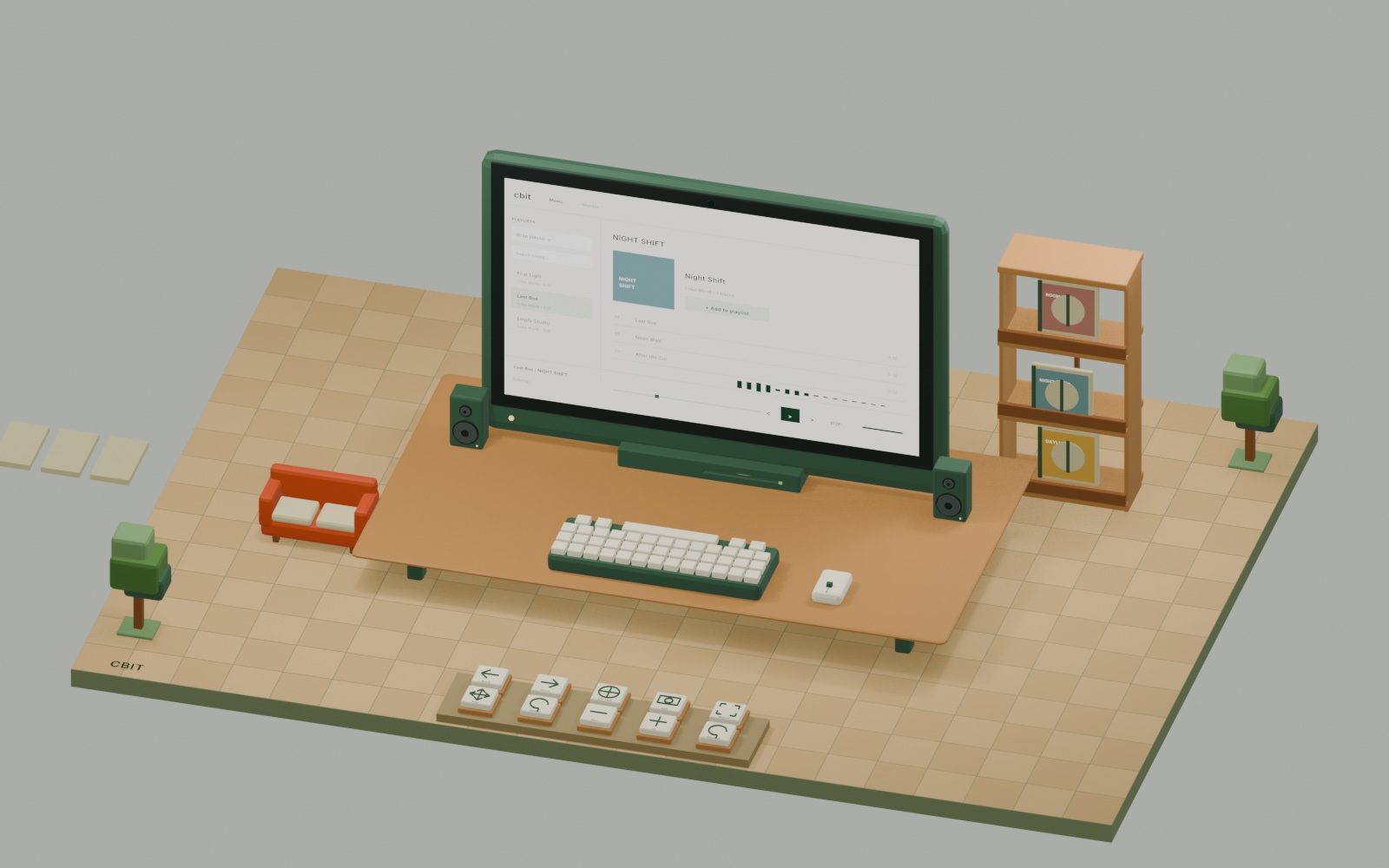
The illustration advances frame by frame as you scroll.
CBit workflow
Browse the library, inspect frequencies, and organize recordings. Scroll or select a step to see the matching screen.
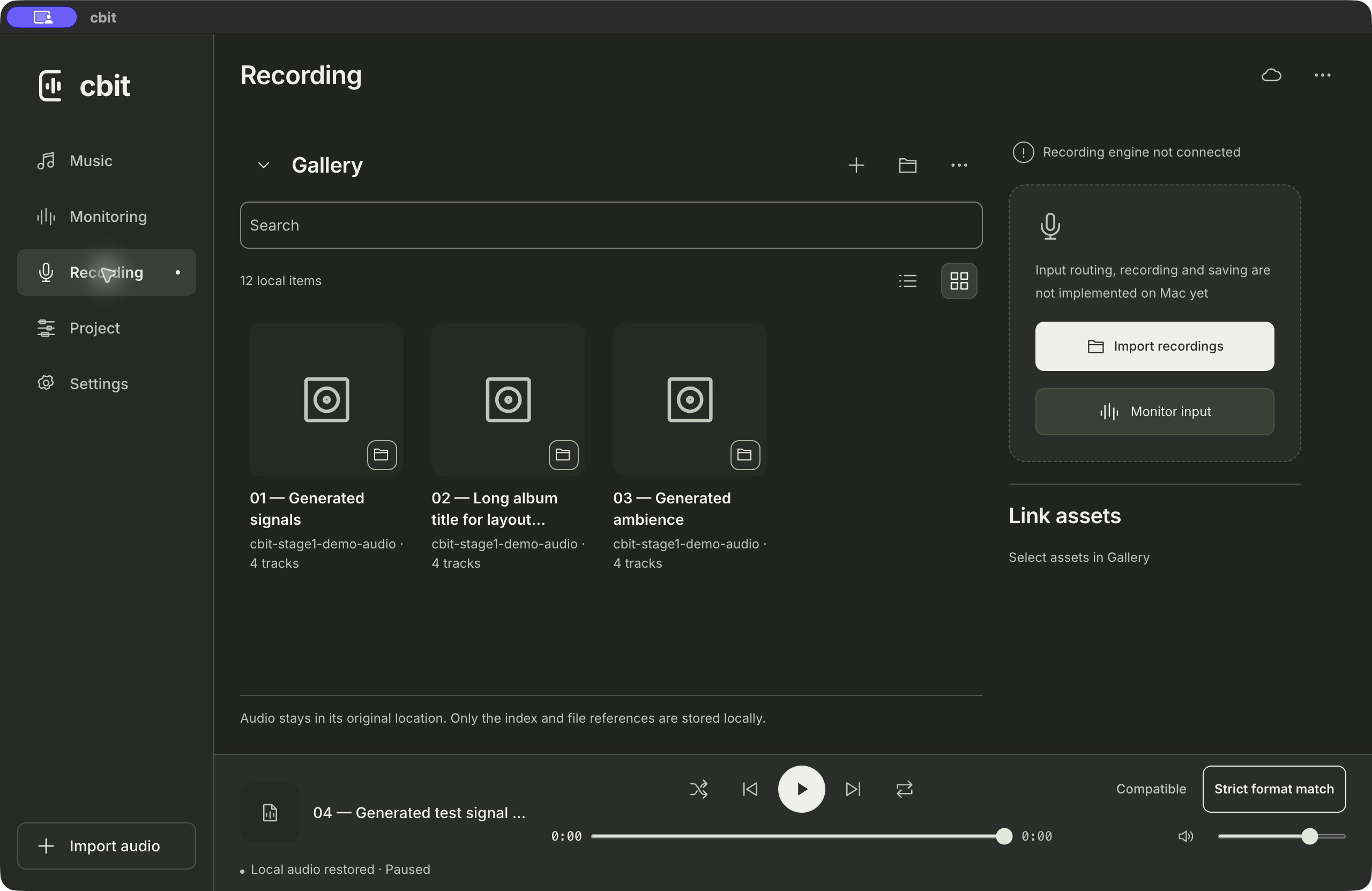
Playback
Find audio in Gallery, add it to the queue, and resume where you left off. Source files stay in their folders.
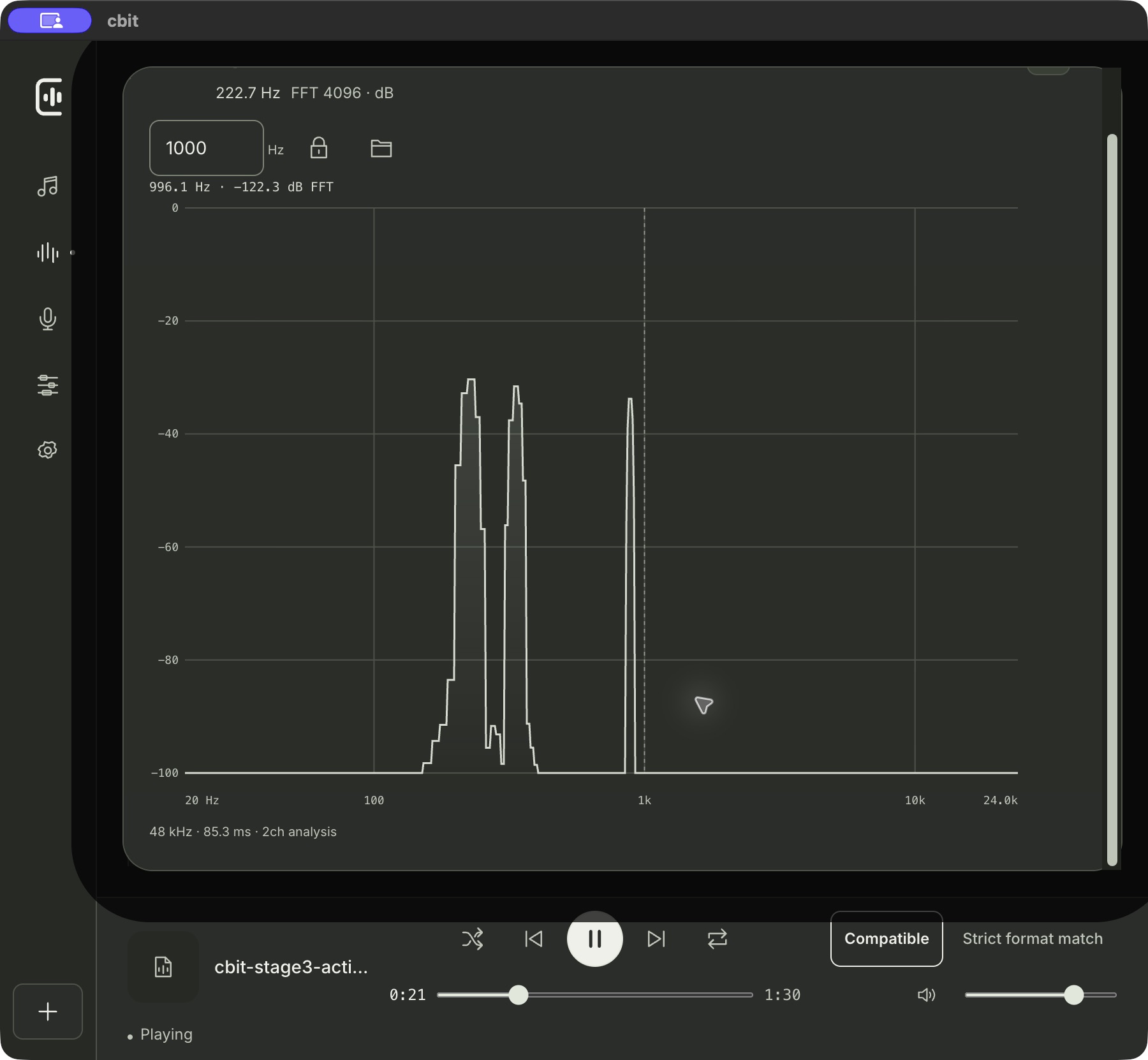
Monitoring
Inspect the spectrum, zoom into a range, and check precise frequency readouts.
Recordings
Import and organize existing recordings on Mac. Capture multichannel audio on iPhone or iPad with supported input hardware.
Development preview · Mac / iPad
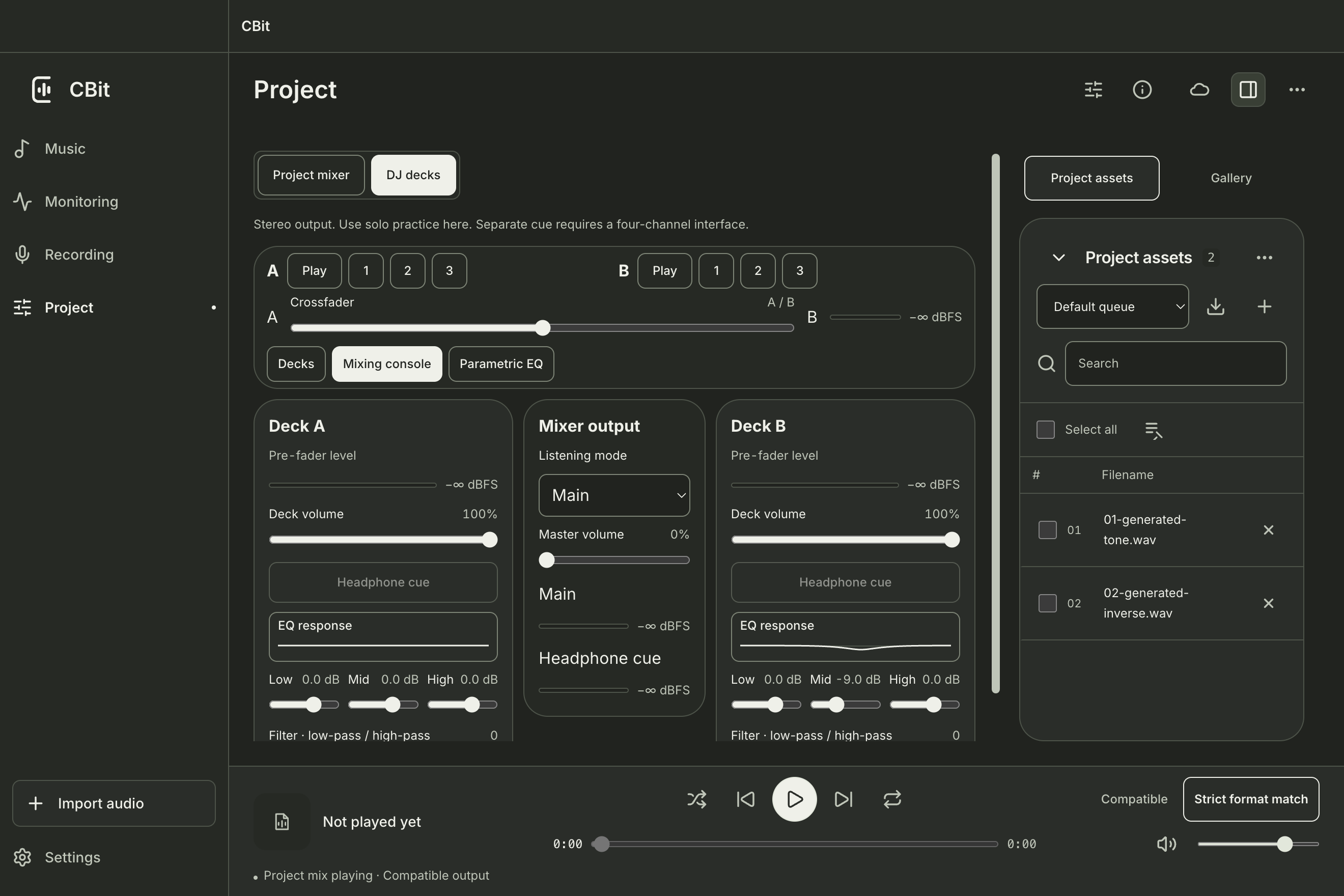
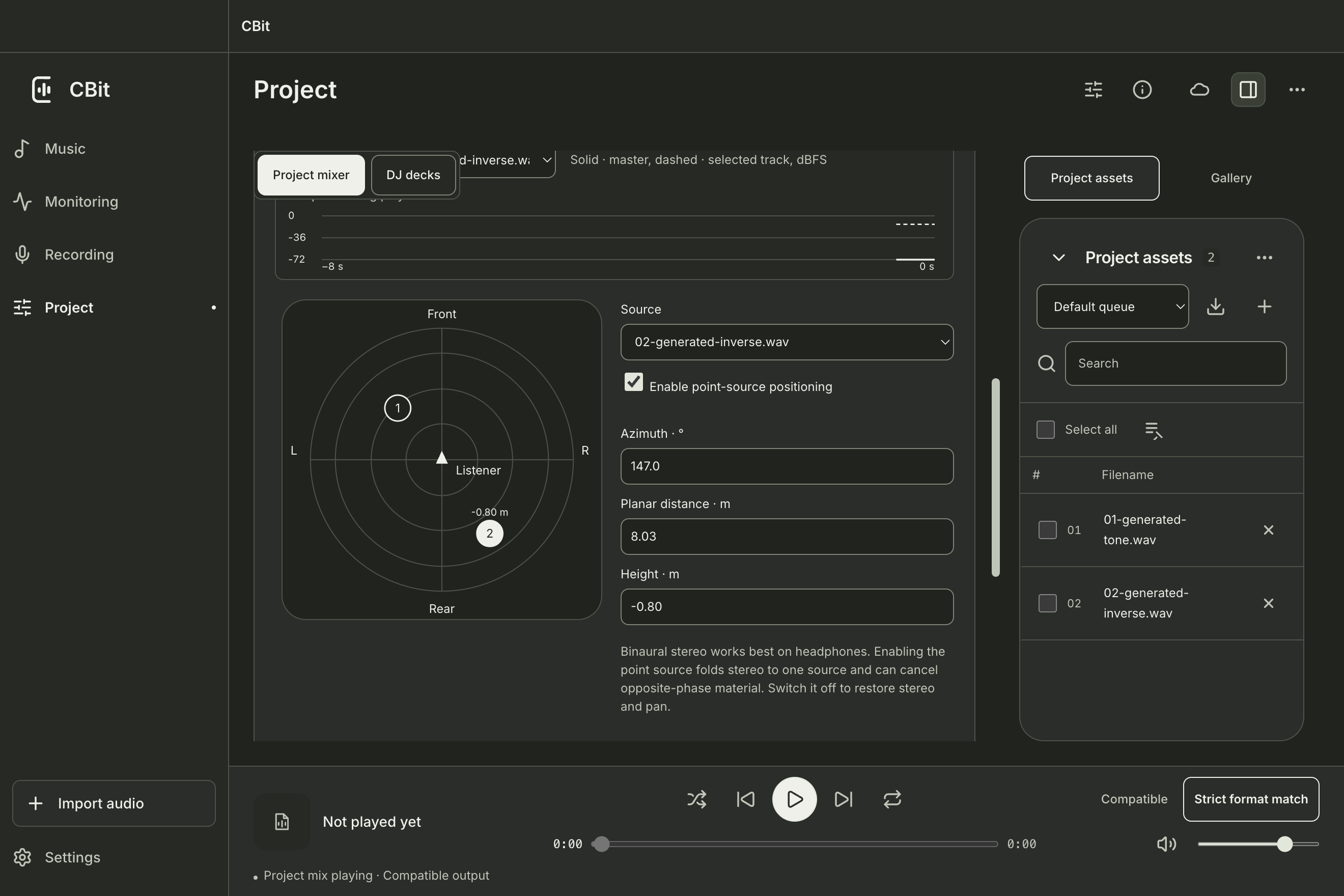
Preview and blend tracks with two decks, a crossfader, and EQ curves. Position sources by direction, distance, and height, then audition them in binaural stereo over headphones.
Screenshots are from a Mac development build using synthesized audio. Independent four-channel cueing and physical iPad testing are still pending.
0.10.0 (36)
Requires Apple silicon and macOS 13 or later. The Mac installer is signed and notarized.
The Mac installer is supplied through the existing local distribution channel.0.10.0 (36)
Requires iOS or iPadOS 18 or later. Existing internal testers can update CBit in TestFlight.
Open TestFlight